
Free online tools can help you finish everyday jobs without installing software or paying a fee. For Pakistani users, the best free online tools also need to fit local tasks, such as checking a FESCO bill or estimating solar needs. Here are ten options, starting with Azlaan Tools.
We analyzed 44 comments and questions from YouTube, Reddit and Quora about free online tools and found that 18% mentioned free tools for specific functions.
1. Azlaan Tools
Azlaan Tools is a free online utility suite for people in Pakistan. It needs no signup or fees, and confirmed file tools process files in your browser. It suits households checking bills or planning solar, students handling documents, small businesses preparing files, and job applicants making CNIC-size photos.
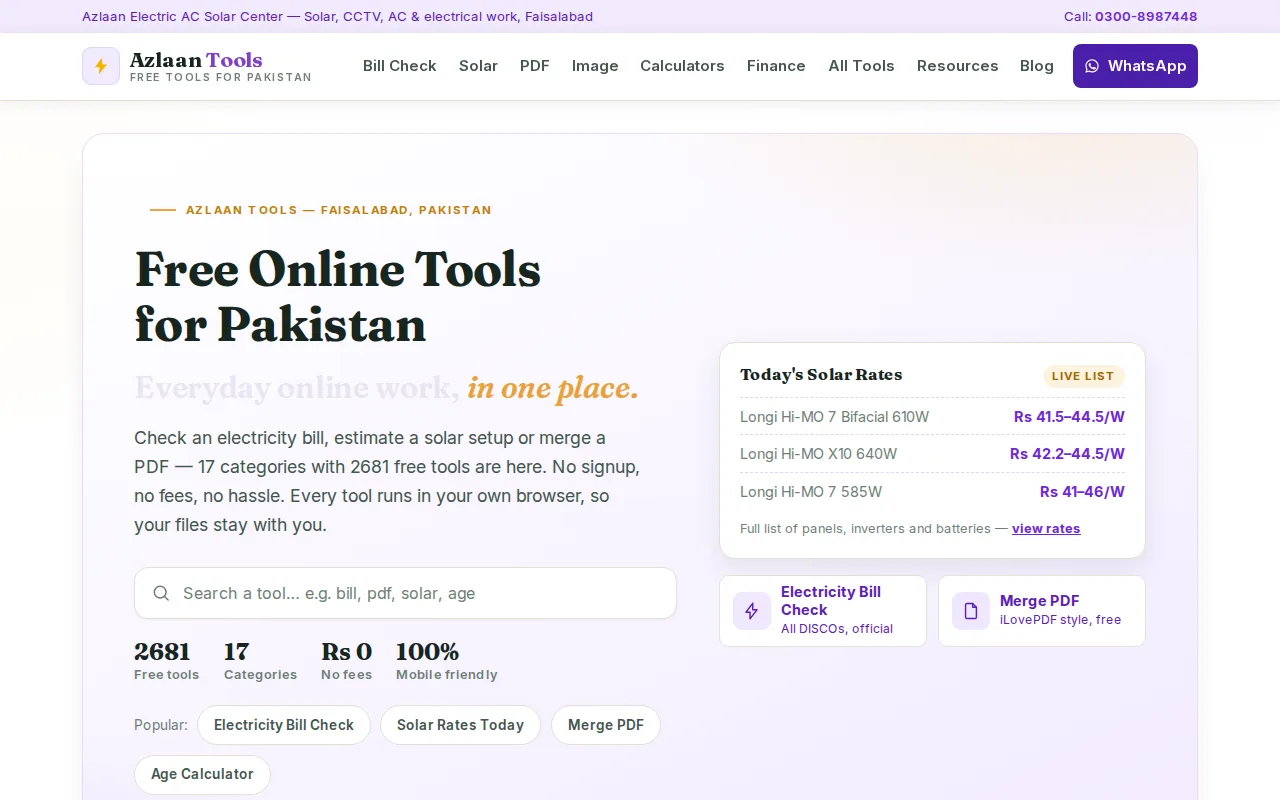
For an electricity bill, use the bill-checking links to find the provider’s official page. That step matters: bill details are handled by the provider’s site, not by a browser-local file tool. If you’re looking for a FESCO duplicate bill, start by choosing the correct provider page and keep your reference details to hand.
For solar planning, the Solar Load Calculator estimates the system size in kW for your home. The Solar Price Estimator then estimates costs for systems from 1kW to 25kW in PKR. Rates for panels, inverters and batteries are updated daily, but equipment costs and payback remain estimates, not a guaranteed quote or return. You can open the About Azlaan Tools | Free Online Tools for Pakistan page to see more about the suite.
Document tasks include merging PDFs, while other tools cover calculators, photos and business needs. The suite also includes local calculations for gold by tola, masha, ratti or grams, and currency conversion with live rates. For tools confirmed to process files in the browser, the file stays on your device. That assurance doesn’t apply to external bill-checking pages.
2. Google Analytics: website traffic insights
Google Analytics is a website analytics tool for site owners and marketers. Use it to review how people reach and use your website, then decide which pages need attention. It can help a small shop owner check whether a new product page is attracting visits.
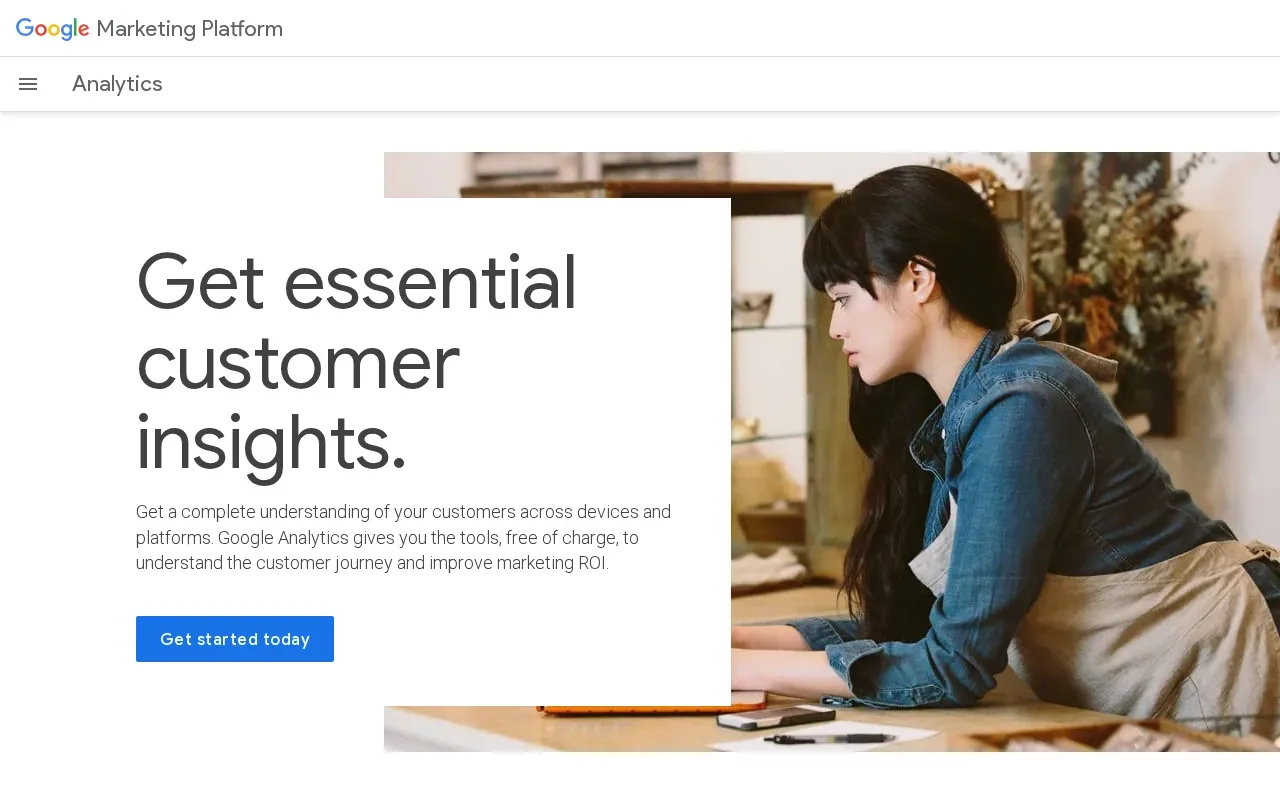
It’s a useful fit when you manage a site and need traffic insights rather than a general calculator or document utility. Set a clear question before opening reports, such as whether visits to a service page are changing. That keeps the work focused on a decision you can act on.
One privacy point matters: the verified information for this tool says it doesn’t process data locally. So don’t treat an online analytics service as a private, on-device utility. Review what information your site collects and how you handle it before adding analytics.
For a personal task such as merging a PDF or estimating a solar system, this isn’t the right tool. It’s for understanding website activity. If your main need is a local calculator or document task, choose a tool built for that job instead.
3. Ubersuggest: SEO research for smaller projects
Ubersuggest is an SEO research tool with a free tier. It’s aimed at people who want keyword ideas or a first look at a website’s search performance without starting with a larger SEO setup.
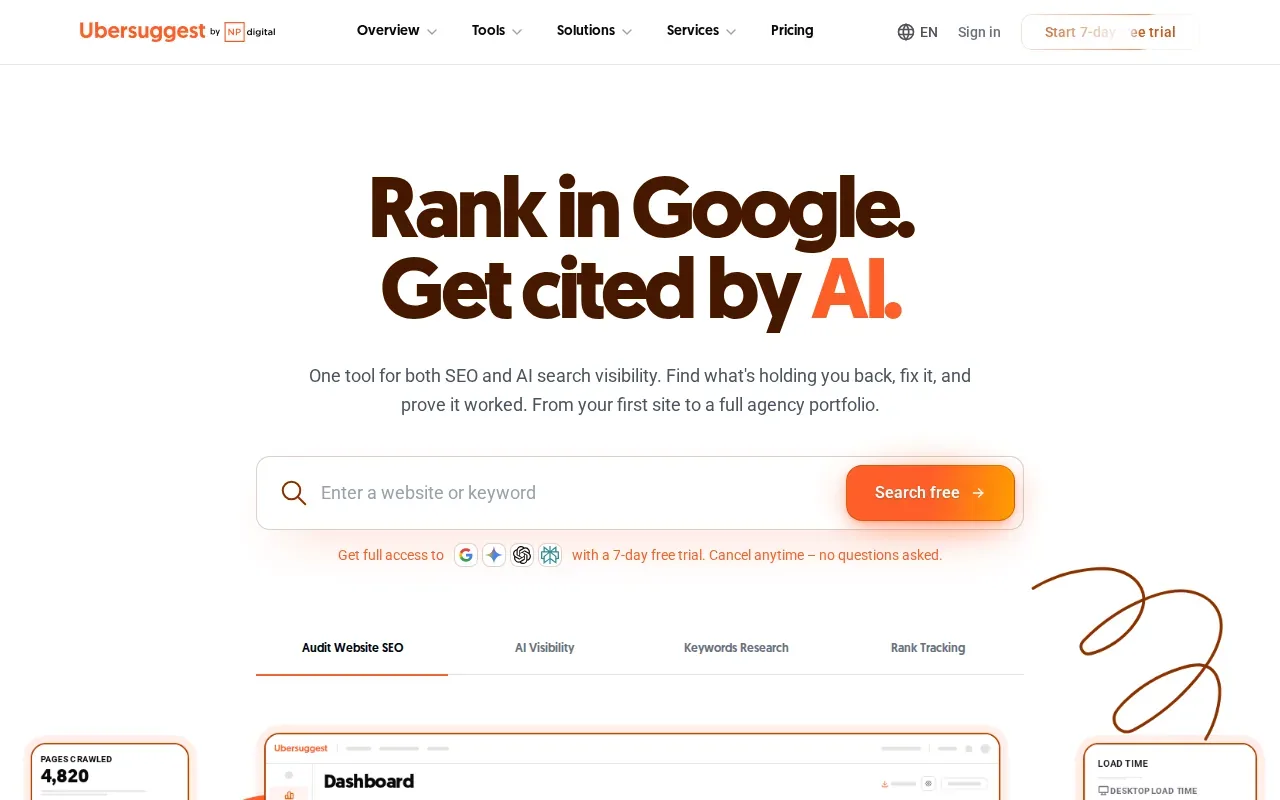
Its tools include keyword research, competitor analysis and site audits. For example, a Pakistani shop owner could check whether a product phrase has related search terms before writing a page. Use the results to guide research, not as a promise that a page will rank.
The free tier provides meaningful SEO data, but a free tier isn’t the same as unlimited research. A free account is limited to three searches a day, with reduced results compared with paid access. Check the current limit in the tool before planning a large keyword task.
Use it when you have a small number of clear questions, such as which phrase to use for one service page. If your work depends on frequent audits or broad research, confirm the free-tier limits first.
4. Notion: flexible notes and project organisation
Notion is a workspace for notes and project organisation. Its free plan allows individual users unlimited pages and blocks, so you can keep notes for more than one task in the same workspace.
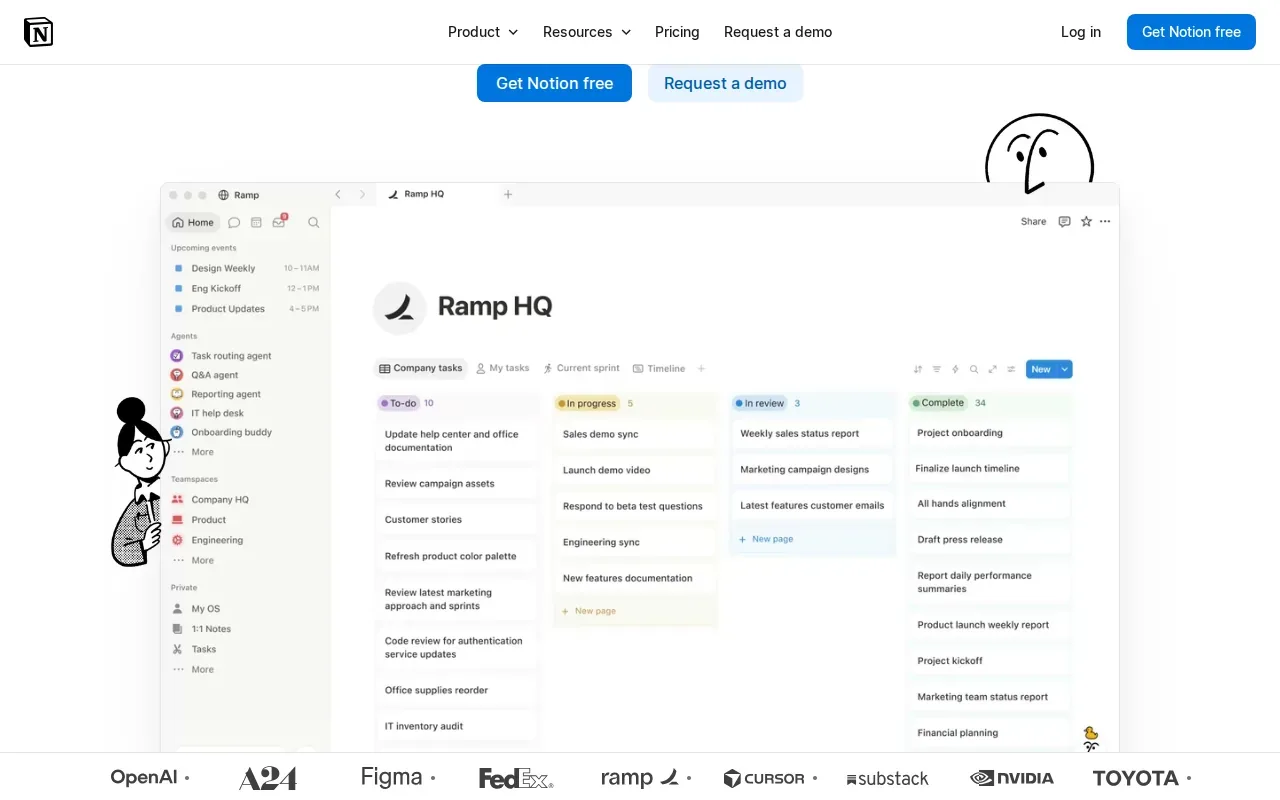
A student might use a page for class notes, then keep an assignment checklist in a separate page. A small team could use shared pages to record who owns a task and what needs to happen next. Keep the layout simple at first; a page you can find again is more useful than an elaborate setup you won’t maintain.
Notion also describes its workspace as supporting search across apps and custom agents, but don’t assume every feature is part of the free plan. Check the plan details before building a workflow around a paid feature.
If you store sensitive text in an online workspace, think about what you’re putting there and who can access it. For a separate text-protection task, Azlaan Tools has a text encrypt and decrypt tool. That’s a different job from organising notes, so choose based on what you need to do.
5. Grammarly: everyday writing assistance
Grammarly is a writing assistant whose free plan offers real-time grammar correction. It can help when you’re writing a work email, polishing a job application or checking a student draft before you send it.
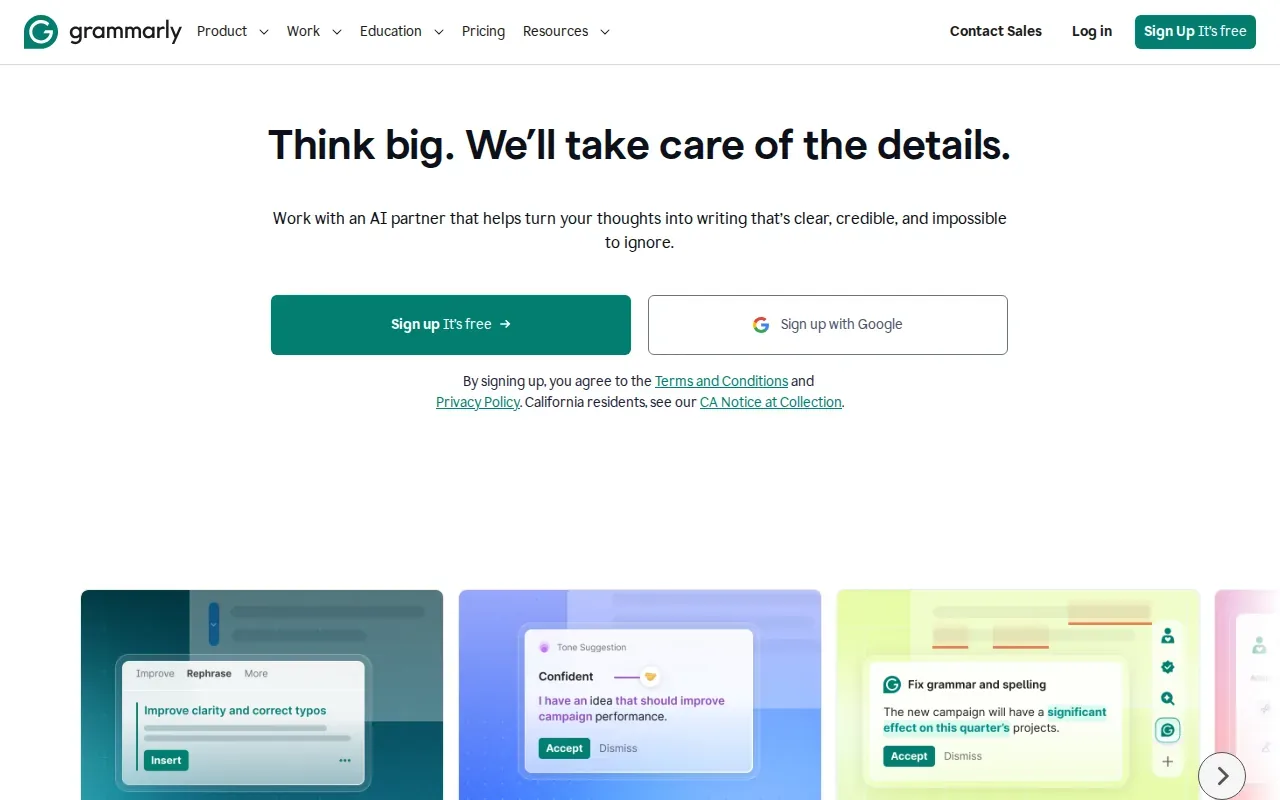
Check the suggestions rather than accepting every change automatically. A grammar tool can help spot errors, but you still need to make sure the meaning and tone fit the person who’ll read your message.
Grammarly describes AI writing features, while its free plan offers real-time grammar correction. Don’t assume that every AI feature or writing function is free. Review the plan details if you need something beyond basic corrections.
For a short email, it can help you catch a typo before sending. For a report with facts or figures, you still need to check the content yourself. Grammar suggestions don’t verify whether a claim is true.
For a Pakistani bill, solar estimate or document task, visit Azlaan Tools. There’s no signup or fee to use the tools; any solar equipment cost you calculate is separate.
6. Smallpdf: browser-based PDF tasks
Smallpdf is a browser-based suite for PDF editing and conversion. It suits business users and office workers who need to compress a file or make a quick change without installing PDF software.
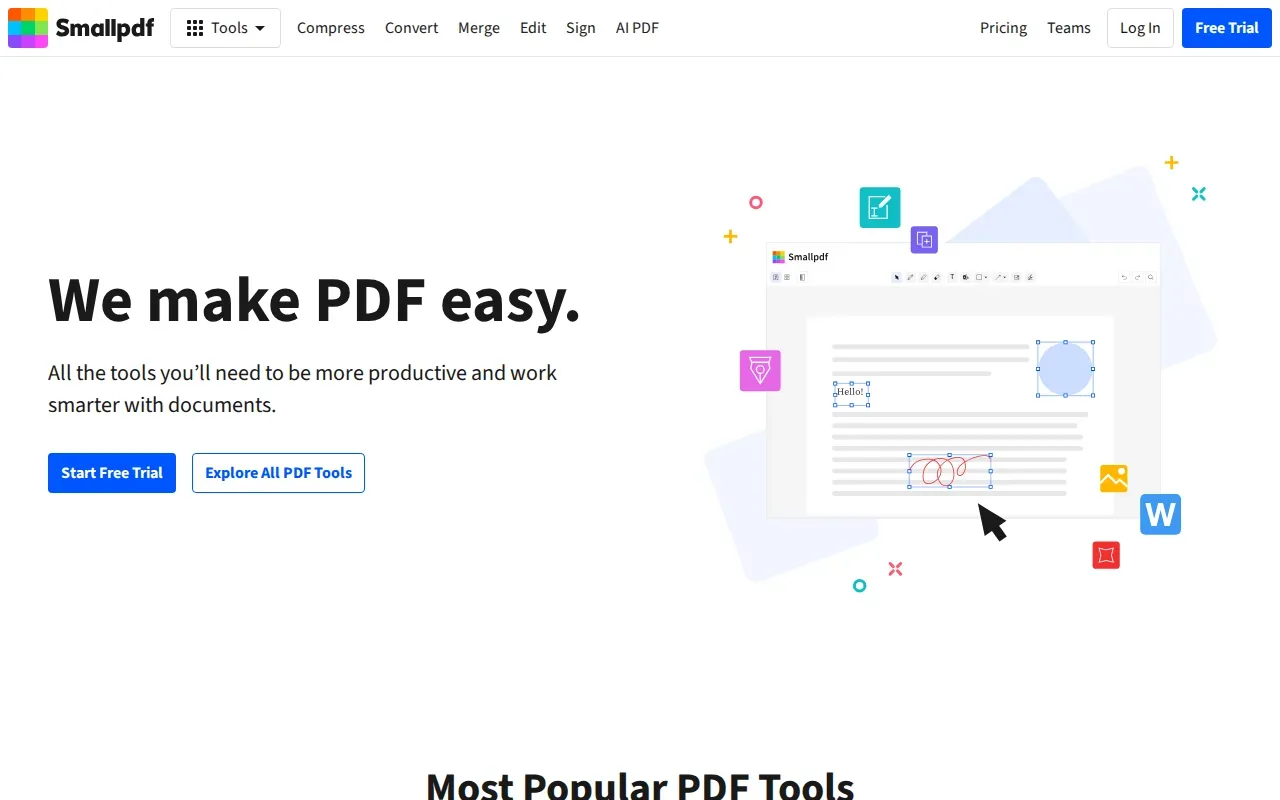
Its tools include PDF compression and conversion between PDF and formats such as Word, PowerPoint and Excel. You can also merge PDFs, add text or annotations, rearrange pages and sign a document. The exact task matters, since free use has limits.
For a local alternative when you need to combine documents, Azlaan Tools has Merge PDF Online Free. If you’re converting a spreadsheet for sharing, its Excel to PDF converter is another task-specific option.
Azlaan Tools also has tools to delete pages from a PDF or add a signature to a PDF. These are separate utilities, so select the one that matches your file job. The suite confirms browser-local processing for its supported file tools.
Smallpdf’s free use has a limit on the number of file conversions per hour. If you have several documents to process, check whether that limit fits your task before you begin. Don’t upload sensitive papers to an online service unless its handling suits your needs.
7. Trello by Atlassian: visual project tracking
Trello by Atlassian is a visual project tracking tool for people who want to see tasks at a glance. Its free plan includes unlimited cards and up to 10 boards per workspace.

A board can help a small team track work as it moves along. For example, a shop team could keep a board for a promotion and move each task as it progresses. The visual layout makes the current status easy to scan without searching through a long message thread.
Trello is designed for team collaboration on projects. It can suit a shared work plan, but it won’t replace a specialist calculator or PDF editor. Keep cards short and clear so teammates can tell what needs doing.
Before setting up a board, decide who needs access and what the team must track. The free plan’s board limit is worth keeping in mind if you expect to split work across many separate projects.
8. MakeCharts: quick charts for reports and lessons
MakeCharts is a free online chart maker built for speed and clarity. It suits teachers, students, sales teams, content creators and operations teams who need a visual to explain information.
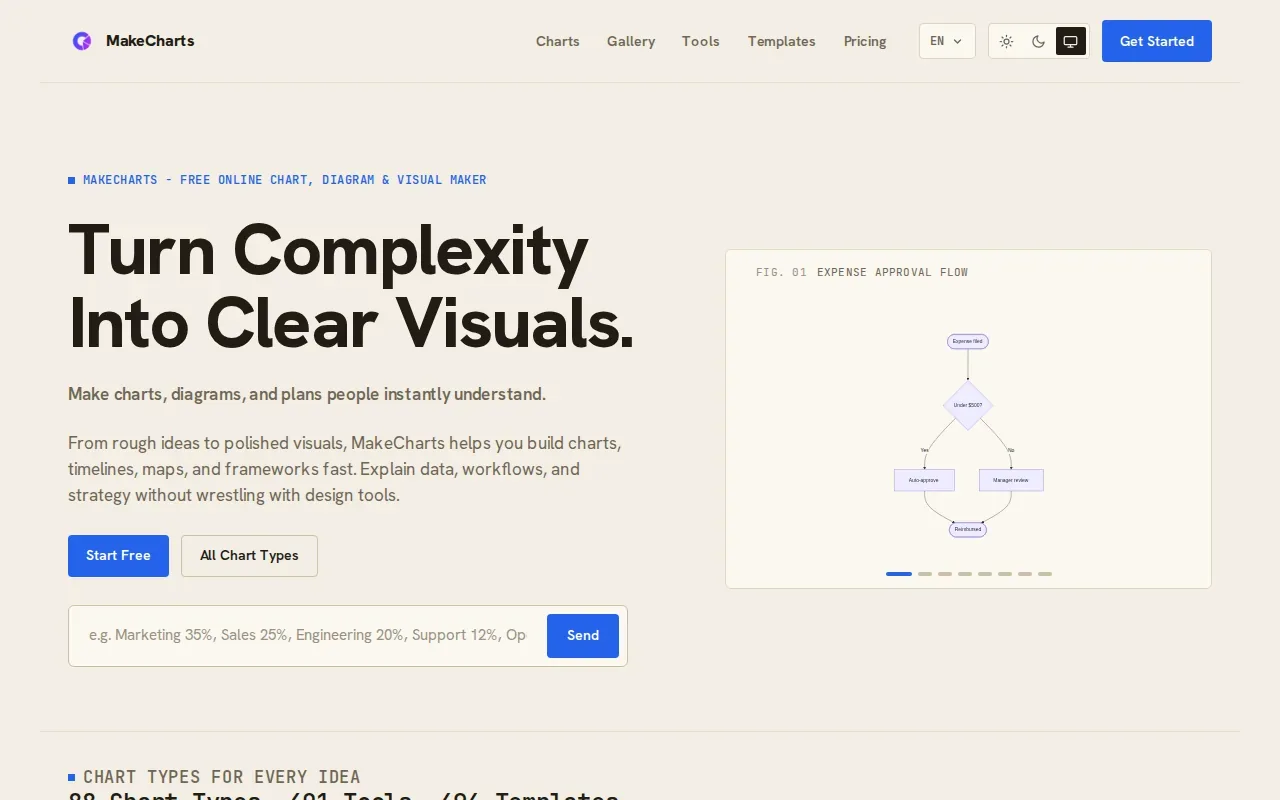
Its chart and diagram options include bar charts, pie charts, flowcharts, mind maps and comparison charts. A student could turn a set of figures into a chart for a class report. A team could map a process so people can see the order of decisions.
For a comparison chart, the tool is designed to place options side by side against shared criteria. That helps when the reader needs to judge differences rather than read a block of prose. You can export visuals as PNG or SVG for use in a document or presentation.
Free accounts include limited AI credits. If you plan to use AI-assisted chart creation several times, keep that limit in mind. For one clear chart or diagram, start with the details you want the reader to compare.
9. HashmiTools: Pakistan-focused calculators and utilities
HashmiTools is a collection of free online utilities with a focus on Pakistani users. Its tools include a Zakat Calculator, EMI Calculator, Pakistan Tax Calculator, PDF tools, a QR Code Maker and a currency converter.
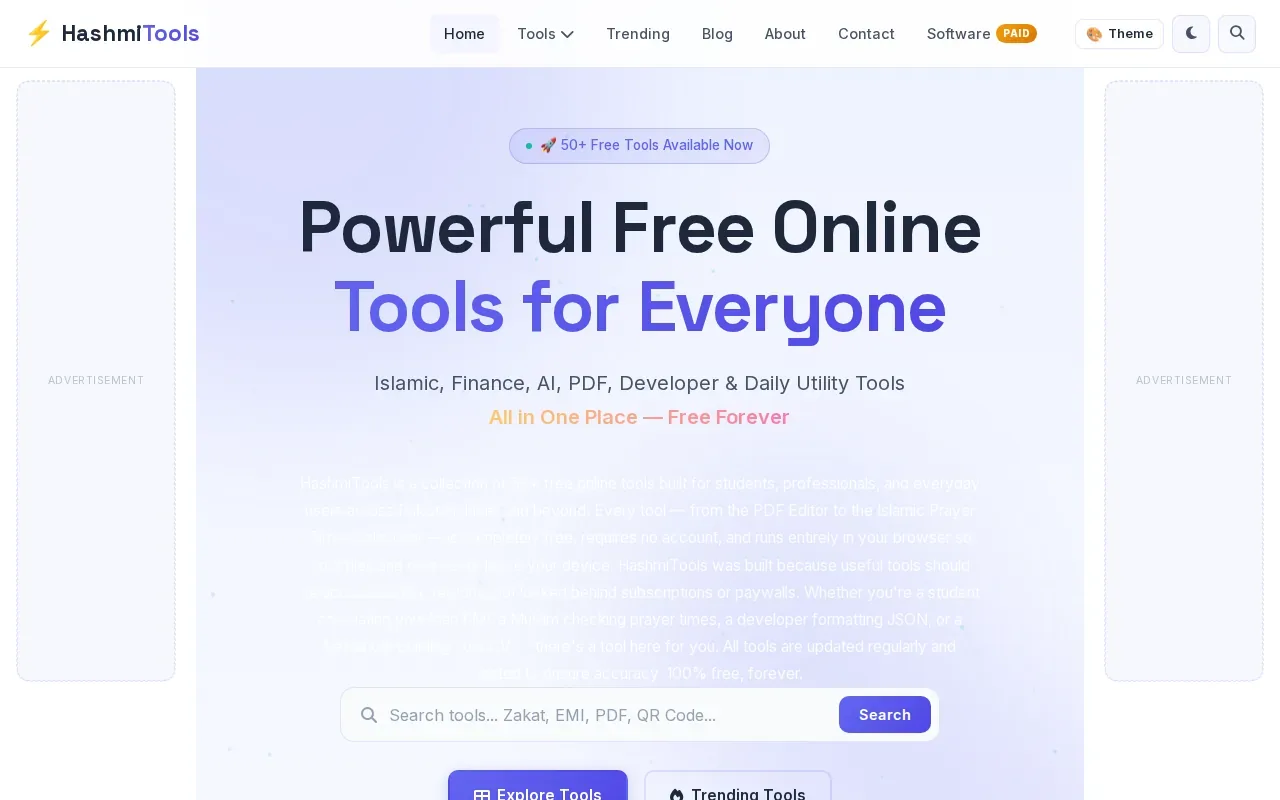
That mix can help when you’re doing a quick calculation or preparing a basic file. A salaried worker might use an EMI calculator to estimate a loan payment, while a small shop could make a QR code for customers. Treat calculator results as estimates, then check key financial details against the current terms that apply to you.
HashmiTools says its tools need no account and are designed for mobile use. Its site also states that browser-based file processing keeps files on the device. Those claims apply to the tools it describes, not to every external website you might visit for a bill or other service.
For cash handling, Azlaan Tools has a PKR cash counter for adding up note totals. Use the tool that matches the job, and confirm important tax or Zakat figures before acting on them.
10. Tooliby: a broad collection of online utilities
Tooliby is a broad collection of online utilities, with more than 400 tools across categories such as PDF, image, text, SEO, security, calculators and Pakistan-focused tasks.
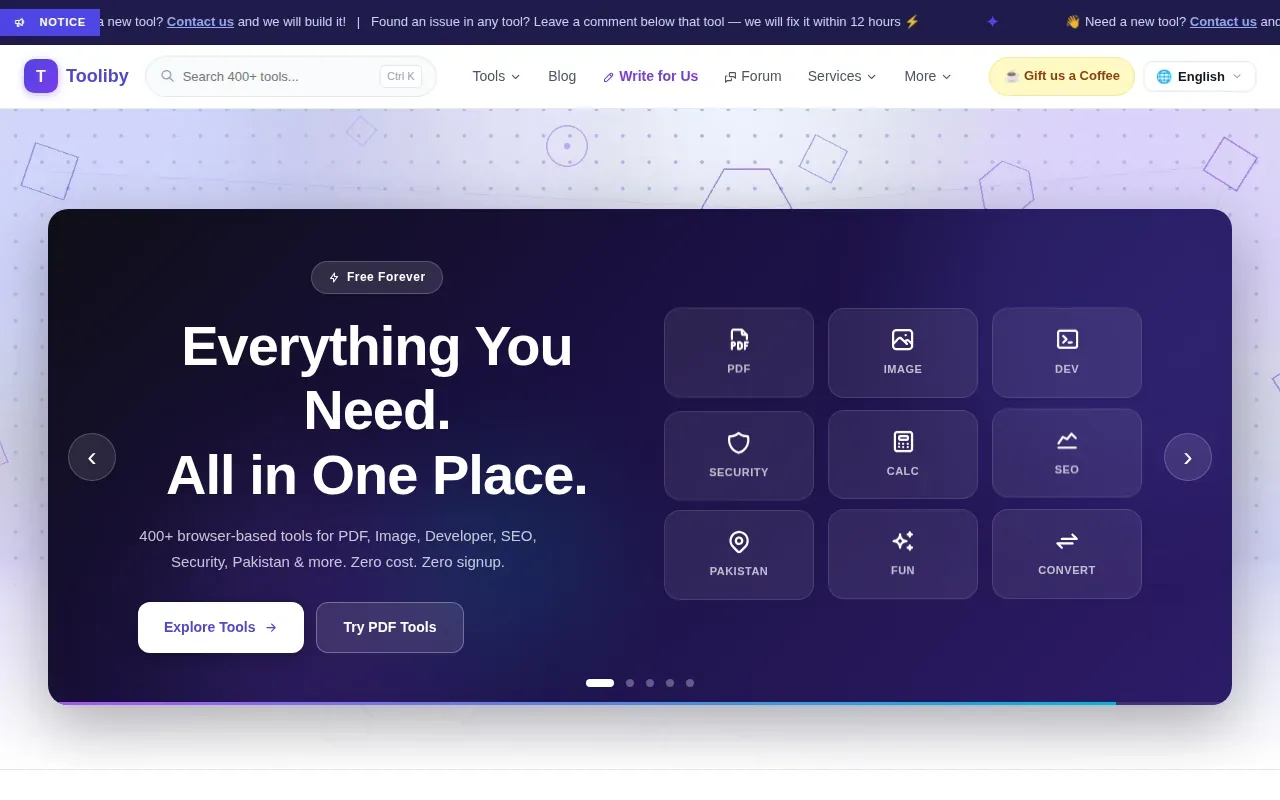
Its Pakistan tools include a CNIC validator, NTN checker, tax calculator, electricity bill tool and Zakat calculator. The wider collection also covers common developer and document tasks, so it may suit someone who wants different utility types in one place.
Tooliby says its tools are free and need no signup. It also says files are processed in memory and deleted immediately. If you’re handling a sensitive document, check that the specific tool and task match your privacy needs before using it.
Its breadth can save you from searching for a separate utility for every small job. Still, a large library doesn’t mean every tool is right for your task. Check that you’ve opened the correct calculator or file function before entering information.
Quick comparison: which free online tool fits your task?
Use this table to narrow the choice by task and by the detail you should check before relying on a free plan.
| Tool | Useful for | Free-plan detail to keep in mind |
|---|---|---|
| Azlaan Tools | Pakistan-focused utilities and supported browser-local file tasks | No signup or fees; solar and financial amounts are calculations or estimates |
| Google Analytics | Website traffic insights | Data isn’t processed locally |
| Ubersuggest | Keyword research and site audits | Free-tier research has limits |
| Notion | Individual notes and project organisation | Unlimited pages and blocks for individual users |
| Grammarly | Real-time grammar correction | Free-plan confirmation covers grammar correction |
| Smallpdf | PDF editing and conversion | Limited file conversions per hour |
| Trello by Atlassian | Visual project tracking | Unlimited cards and up to 10 boards per workspace |
| MakeCharts | Charts, diagrams and comparison visuals | Free accounts have limited AI credits |
| HashmiTools | Pakistan-focused calculators and utilities | Verify important financial inputs before acting |
| Tooliby | A wide range of online utilities | Confirm the selected tool fits your privacy needs |
For everyday work in Pakistan, start with the task, not the number of tools in a library. Use Azlaan Tools for local calculators and confirmed browser-local file tasks. Pick a specialist service when you need website analytics, project boards or SEO research.
Frequently asked questions
Which free online tools are useful in Pakistan?
Azlaan Tools is a useful starting point for Pakistan-focused tasks such as bill-checking links, solar planning and supported file tools. The best fit depends on your job: use Google Analytics for website traffic, Ubersuggest for SEO research, or Smallpdf for PDF tasks. Check each tool’s free limits and privacy details before using it for sensitive information.
Can I check a FESCO duplicate bill online?
Yes, start by finding the provider’s official bill-checking page. Azlaan Tools provides bill-checking links to help you reach the relevant provider page, but the external provider handles the bill lookup. Confirm that you’ve selected FESCO before entering reference details, and avoid entering them on a page you don’t recognise.
Are free online tools safe for private files?
Some tools process supported files in your browser, while others send data to a service. Don’t assume that every free website keeps files on your device. Check the tool’s stated handling before uploading a CNIC, job application or business document. Azlaan Tools confirms browser-local processing for supported file tools; that does not cover external bill-checking pages.
Are solar calculator results a guaranteed price or payback?
No, solar calculator results are estimates, not a guaranteed equipment price or payback. Azlaan Tools lets you estimate system size and cost, with daily updated panel, inverter and battery rates. Before installing a system, confirm the equipment prices and design for your home. The calculator is a planning aid, not a final installation quote.
Do free tools always include every feature?
No, free access can come with limits. Smallpdf limits the number of file conversions per hour, Trello’s free plan allows up to 10 boards per workspace, and MakeCharts limits AI credits on free accounts. Check the specific plan detail that affects your task before you rely on a tool for repeated work.
Conclusion
For Pakistani households, students and small businesses, start with Azlaan Tools when you need local calculators or supported browser-local file work. Open the Azlaan Tools homepage, choose your task and use the free tool without signing up. Solar and financial figures remain estimates, and equipment costs are separate.