Misplaced your FESCO bill, or spotted what looks like the same charge twice? You can view a duplicate copy online in seconds with the 14-digit reference number or Customer ID from an earlier bill. Start with the ways to check electricity bills online, then use these steps to compare the bill and raise a query if needed.
Step 1: Open FESCO’s Official Bill-Checking Page
First, find a bill lookup page you can trust. A bill-checking page lets you view a current bill using the connection’s reference number or Customer ID. But don’t assume a page is official just because its title says FESCO. Check that you reached it through a recognised FESCO or government electricity-service route before entering account details. Azlaan Tools’ electricity bill-checking page can help you find the provider’s lookup route, but verify that the destination is official before entering your account details.
Keep an old bill nearby. Find the 14-digit reference number or Customer ID printed on it. The reference number identifies the electricity connection, so don’t use a meter number by mistake. If you manage more than one property, match the number to the correct address or household first.
On the bill lookup page, open the Check Your Bill tab. Enter the reference number or Customer ID, then submit the form. Your latest FESCO electricity bill will be shown with complete billing details. Review the connection details before saving or printing the PDF.
A duplicate bill is a replacement copy of the latest statement. It isn’t automatically a second payment request. If you’re unsure which electricity bill service to use, Azlaan Tools is free, has no signup or fees, and provides bill-checking links. That tool access is free; any amount shown on your electricity bill is still payable under the bill’s terms.
Step 2: Check Whether the Bill or Charge Is Actually Duplicated
Before asking for a correction, decide what appears twice. A second printout of the same monthly bill is a duplicate copy. A repeated charge is different: it means the same billed item may appear more than once, or a payment may not have been matched to the account.
Compare the billing period, connection reference and amount due. Check the issue date and due date too. If two copies show the same period and account details, they may simply be two copies of one bill. Don’t treat the second copy alone as proof that FESCO has charged you twice.
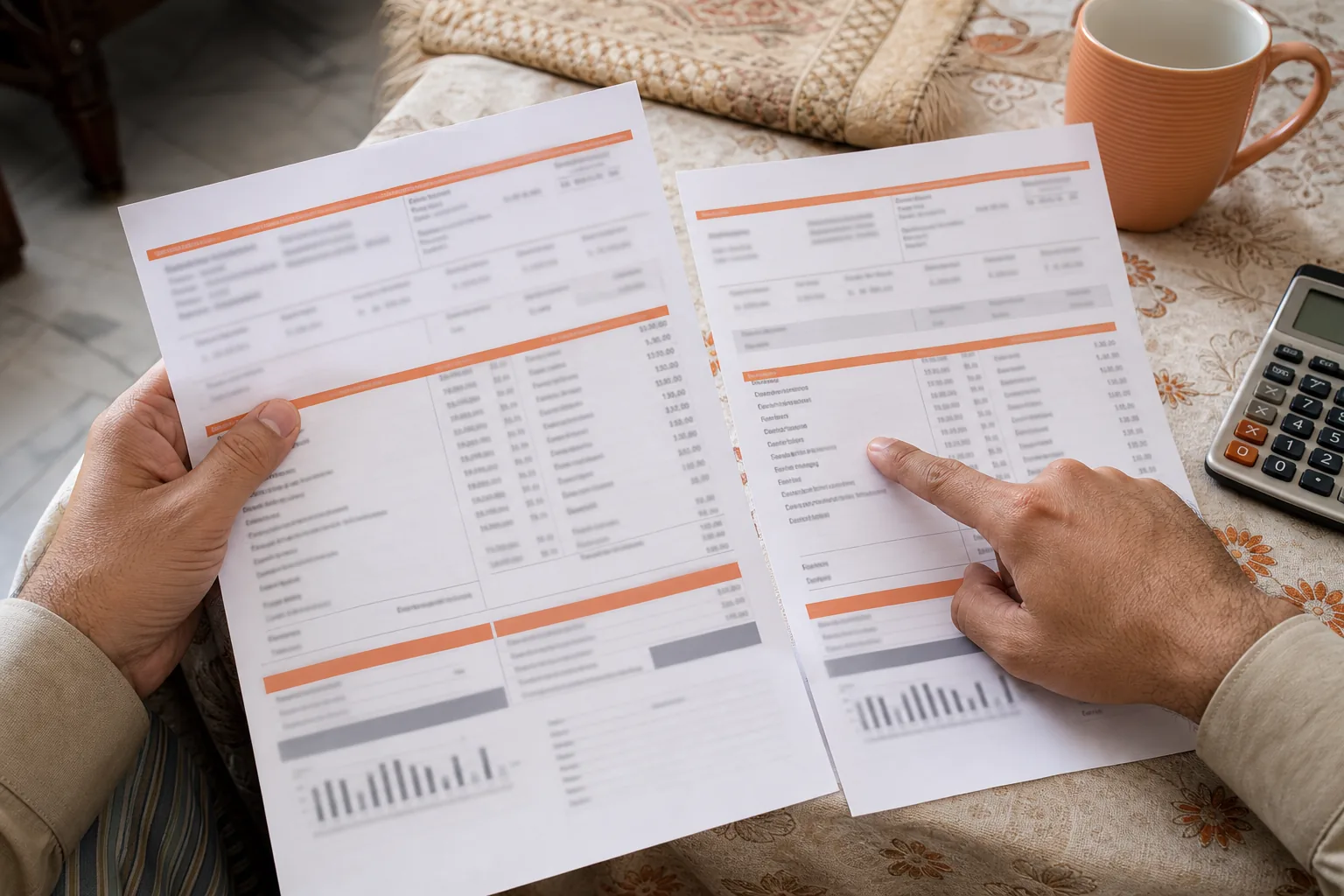
Next, read the amount breakdown. Bills can include electricity use, taxes and other charges, and not every consumer has the same items. A balance carried forward or an adjustment can make the total look repeated, even when the line items refer to different periods. Compare the labels and billing months, not only the final amount.
Use a previous bill to check whether the reference number matches. Then compare the units and billing period with the latest statement. A change in total rupees doesn’t by itself prove a duplicate charge. If the same line item appears twice for the same period, mark both entries and keep the full bill for your query.
Step 3: Gather Evidence and Request a Billing Correction
Once you’ve found a possible error, collect the records before contacting FESCO. Save the latest bill PDF and the earlier bill you used for comparison. If you’ve already paid, keep the payment receipt or transaction record as a separate file. A bank or wallet debit alone may not show whether the payment was posted to the right connection.
Write a short note with the connection reference, billing month and exact line that concerns you. State what you expected to see and what appears on the bill. For example, point to two matching charge labels for the same billing period, rather than saying only that the total seems too high.
Send the query through a current FESCO consumer service channel or take the documents to the relevant office. Use a contact route shown on FESCO’s own service pages or a recent bill. Ask for a billing review and a complaint reference so you can follow up. Share only the details needed to identify your connection, and avoid sending account records through an unverified page.
Azlaan Tools can help after you download the bill. Its PDF tools can compress a file for easier storage, while OCR can turn text in a scanned document into text you can search. These tools are free with no signup. Use them in your browser for document tasks, but don’t treat them as a way to change a FESCO account or submit a billing correction.
Step 4: Follow Up with FESCO on the Complaint
Keep a simple record of each contact. Note the date, the channel used and any complaint reference you receive. If you submit a form or visit an office, keep a copy or a clear photo of the acknowledgement. That gives you a point to refer to if you need to ask for an update.
When you follow up, repeat the connection reference and billing month. Explain whether you’re asking about a repeated charge, a payment that hasn’t appeared, or a corrected bill. Those are separate issues, so name the one you need resolved. Ask what document or next action FESCO requires, then record the answer.
Don’t pay a second time just because a payment record or account view hasn’t updated. Check the transaction status with the payment provider and ask FESCO how it has applied the payment. Keep the receipt until the account reflects the right status. If you receive a revised bill, save it as a new version rather than replacing the earlier copy.
Use FESCO’s current complaint instructions for this issue. If the issue remains unresolved, check the latest consumer complaint route published by the relevant authority and follow its stated process.
Step 5: Reduce the Chance of Future Bill Confusion
Save each month’s bill and payment receipt in a folder for that connection. Use clear file names, such as the provider and billing month, then label the receipt separately from the bill. If someone else in your household pays, agree on one place to keep these records so you don’t mistake an old copy for a new amount due.
Keep the reference number in a private note, including any leading zero. Check it against an old bill before each lookup, especially if you manage several connections. Don’t post the full bill publicly; it can contain details that identify your household account.
When a new bill arrives, compare the billing period and units with the last one. Then review the charge breakdown and the payment status. If one amount looks unusual, identify the specific line before making a complaint. A short monthly comparison can help separate changes in usage from balances or adjustments.
For another household utility, Azlaan Tools also has a Sui Gas bill-checking tool. Keep gas and electricity records in separate folders. The Azlaan Tools bill-checking links are free to use without signup or fees; any bill amount or other financial figure they help you view remains separate from the tool’s cost.
Frequently Asked Questions
How can I get a FESCO duplicate bill online?
Find the provider’s official page for bill checking and enter the 14-digit reference number or Customer ID from an earlier FESCO bill. Open the Check Your Bill tab, submit the details and confirm the connection information on screen. Save or print the latest bill as a PDF. Check that the page is a trusted service before entering account details. Azlaan Tools is free to access, with no signup or fees.
Is a duplicate FESCO bill a second bill to pay?
No, a duplicate bill is usually another copy of the latest statement, not a separate charge by itself. Compare the connection reference and billing period on both copies. If they match, check the amount due and payment status before paying. If the same charge appears twice within one bill, ask FESCO to review those line items.
What number do I need to check my FESCO bill?
You’ll generally need the 14-digit reference number printed on an earlier bill, or the Customer ID if the lookup page accepts it. The reference number identifies the electricity connection. Check each digit carefully, and don’t substitute a meter number. If you manage multiple connections, make sure you’re using the number for the right property.
Why does my FESCO bill look like it has a duplicate charge?
A repeated-looking amount can have more than one explanation. The bill may include a balance from an earlier period, an adjustment, taxes or another listed charge. Compare the charge labels and billing periods before deciding it’s a duplicate. If the same item appears twice for the same period, save the full bill and request a review.
How do I complain about an incorrect FESCO bill?
Collect the bill, a previous statement and any payment receipt that relates to the issue. Contact FESCO through a current consumer service channel shown on its own materials, and describe the exact billing month and charge. Ask for a complaint reference and keep it with your documents. Follow up using that reference if you don’t receive an update.
Conclusion
Use the reference number from an earlier bill to retrieve the latest statement, then compare its period and charge details before paying. If you find a possible error, save the evidence and request a review through FESCO’s current service channel. For your next lookup, open Azlaan Tools’ free bill-checking links with no signup or fees.